Petlibro fountain filter
Which filter each of the 3 Petlibro pet fountains sold in Australia takes, with dated prices from 2 Australian sellers, genuine and compatible side by side.
Showing 3 of 3 Petlibro models · grouped by filter platform
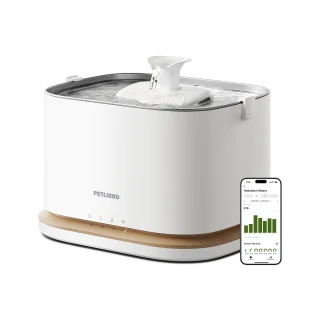
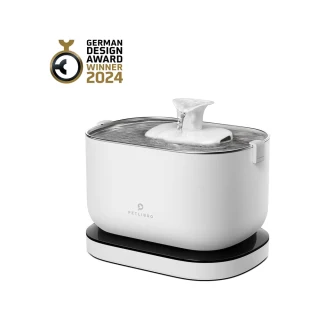
Dockstream Replacement Filter (Dockstream, Dockstream 2)takes PL-FF005
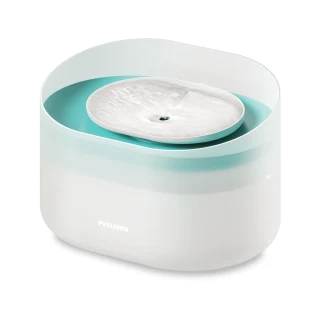
Capsule Dog Fountain Replacement Filtertakes PL-FF008
How to change your Petlibro filter
Steps for the Dockstream Replacement Filter (Dockstream, Dockstream 2) (PL-FF005), the filter 2 Petlibro models take.
- 1Soak the new filter in clean water for 5 minutes, then rinse it under the tap.
- 2Switch the fountain off, lift the tray off and lift out the filter cover.
- 3Lift the old filter out and drop the soaked one in the same way round.
- 4Refit the cover and tray, fill and switch on. Reset the reminder in the Petlibro app. Change every 2 weeks.
Reset the filter reminder
Reset the filter reminder in the Petlibro app after fitting (Dockstream 2).
Get a reminder when your Petlibro filter is due
One email two weeks before, no newsletter. Type the model from the sticker and we set the date for that model.
Common questions
- What happens if I don't change the filter?
- The pad clogs, the pump works harder, and the water the fountain was bought to keep fresh is not.
- How do I reset the filter reminder on a Petlibro fountain?
- Reset the filter reminder in the Petlibro app after fitting (Dockstream 2).
All 3 Petlibro pet fountains we list, A to Z
Brand names describe compatibility only; FitMatch is independent of Petlibro. Fitment sources are recorded on every model page.