ECOVACS replacement parts
Which filter, brushes and mop cloths each of the 39 ECOVACS robot vacuums sold in Australia takes, with dated prices from 5 Australian sellers, genuine and compatible side by side.
Side Brush (T20 Omni, X1 family, T10 Plus, T9, T8, N8, N10, NEO, 920 / 950, N7)takes D-SB04-0007
 N10takes D-SB04-0007 · from $1.62View filter
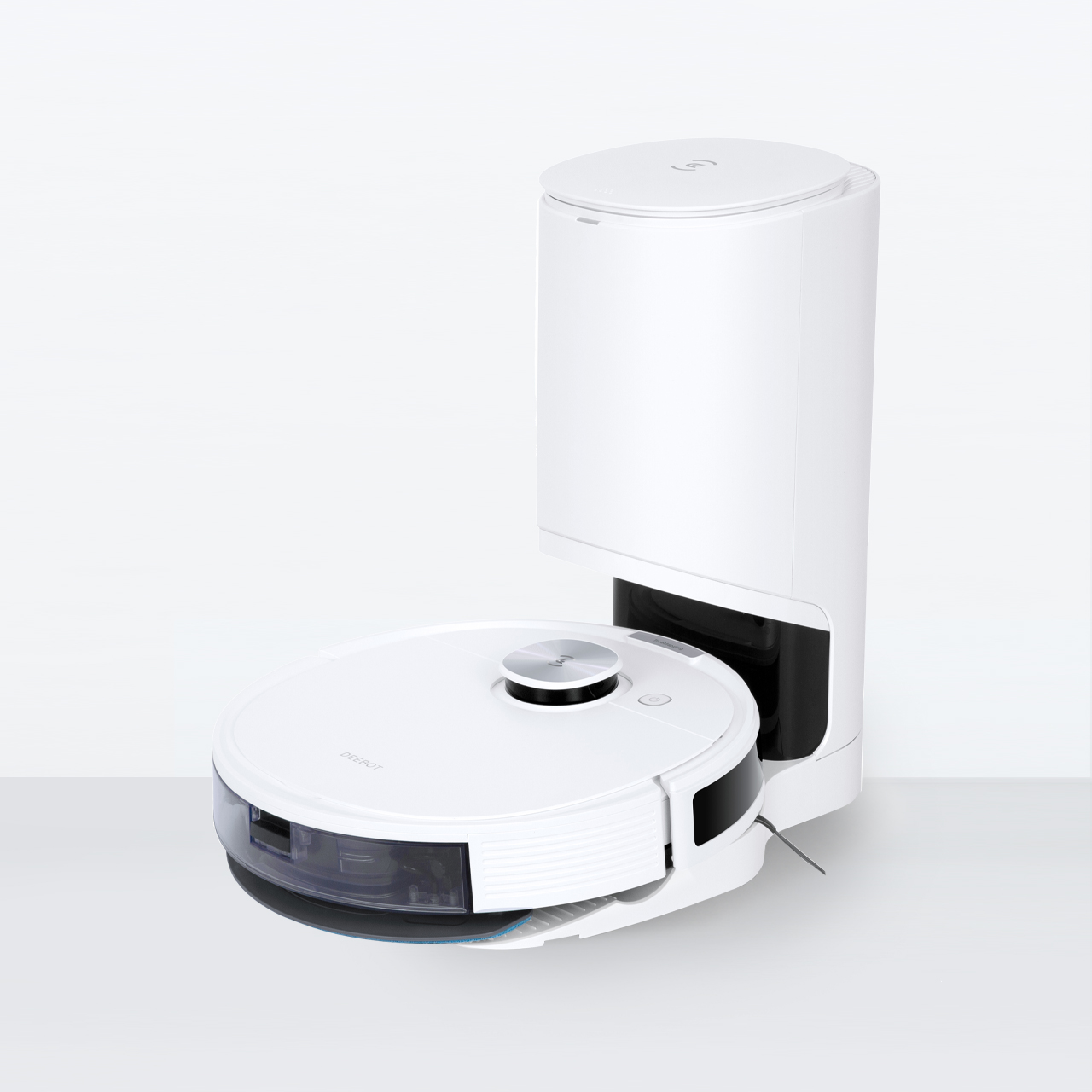 N10 Plustakes D-SB04-0007 · from $1.62View filter
 N7takes D-SB04-0007 · from $1.62View filter
 N8takes D-SB04-0007 · from $1.62View filter
 N8 Protakes D-SB04-0007 · from $1.62View filter
 N8 Pro+takes D-SB04-0007 · from $1.62View filter
 N8+takes D-SB04-0007 · from $1.62View filter
 NEOtakes D-SB04-0007 · from $1.62View filter
 OZMO 920takes D-SB04-0007 · from $1.62View filter
 OZMO 950takes D-SB04-0007 · from $1.62View filter
 T10 Plustakes D-SB04-0007 · from $1.62View filter
 T8takes D-SB04-0007 · from $1.62View filter
 T8 AIVItakes D-SB04-0007 · from $1.62View filter
 T8+takes D-SB04-0007 · from $1.62View filter
 T9takes D-SB04-0007 · from $1.62View filter
 T9+takes D-SB04-0007 · from $1.62View filter
 X1 Omnitakes D-SB04-0007 · from $1.62View filter
 X1 Plustakes D-SB04-0007 · from $1.62View filter
 X1 Turbotakes D-SB04-0007 · from $1.62View filter
Antibacterial Filter (X8 Pro Omni, X8 Max Pro Omni, X11, T80 Omni, T80S Omni)takes DFI030037
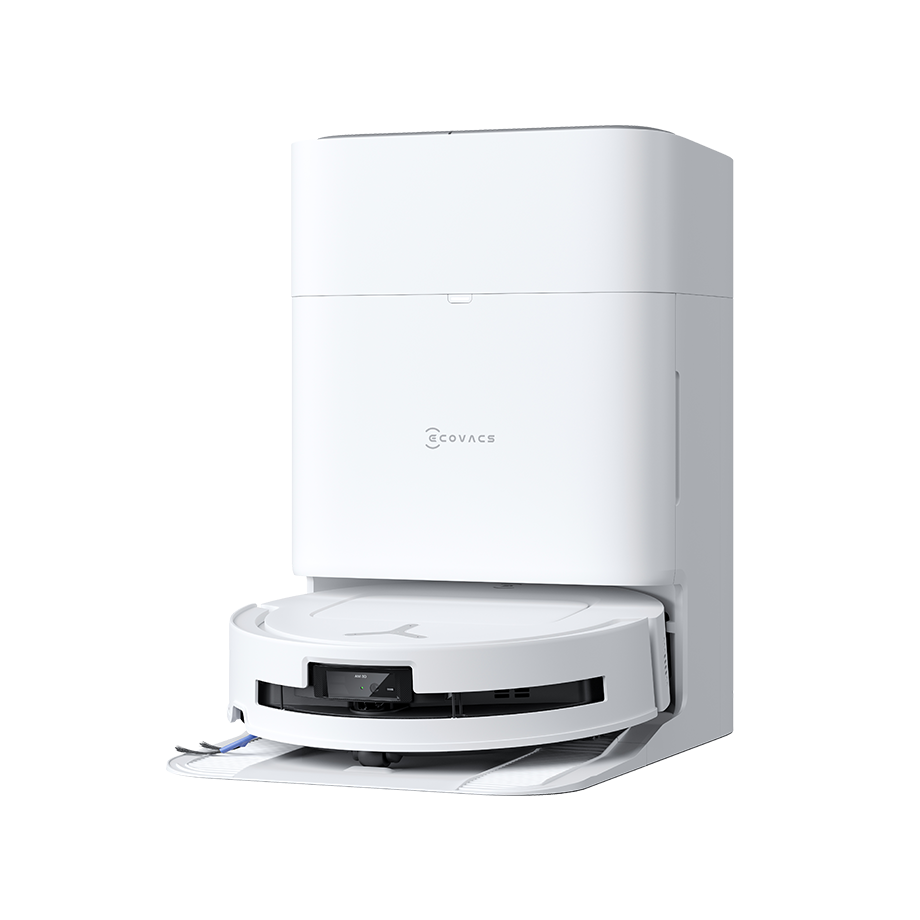
Loading more models…
How to change your ECOVACS filter
Steps for the Side Brush (T20 Omni, X1 family, T10 Plus, T9, T8, N8, N10, NEO, 920 / 950, N7) (D-SB04-0007), the filter 20 ECOVACS models take. Change it every 3 months.
- 1Turn the robot over on a towel.
- 2Pull the old side brush straight off its post.
- 3Push the new brush onto the post until it clicks, then reset the side brush under Consumables in the ECOVACS Home app.
Different steps for Antibacterial Washable Mopping Pads (T50 / T50 Max / N50, T30 / T30S family) · Different steps for Antibacterial Dust Bag (X8 / X8 Max, T50 / T50 Max / N50, T80 / T80S, T30S Pro Plus) · Different steps for Washable Mopping Pads (X2 Omni / X2 Combo, X1 Omni / X1 Turbo, T20 Omni / T20e Omni) · Different steps for Antibacterial Filter (X8 Pro Omni, X8 Max Pro Omni, X11, T80 Omni, T80S Omni) · Different steps for Anti-Tangle Main Brush (X8 Pro Omni, T50 Omni / Pro, N50 Omni, T80 Omni, T30S Pro Plus) · Different steps for Antibacterial Filter (T50 Pro Omni, T50 Omni, N50 Omni, T30S Pro Plus) · Different steps for Anti-Tangle Main Brush (T50 Max Pro Omni, X11 OmniCyclone / X11 Pro Omni, X8 Max Pro Omni) · Different steps for Antibacterial Dust Bag (X1 Omni, T20 Omni / T20e Omni) · Different steps for Floating Rubber Brush Kit (T20 Omni, N10 / N10 Plus) · Different steps for Antibacterial Roller Mop (X11 OmniCyclone / X11 Pro Omni, T80S Omni) · Different steps for Antibacterial Roller Mop (X8 Pro Omni, T80 Omni, X8 Max Pro Omni) · Different steps for Antibacterial Filter (T20 Omni) · Different steps for Antibacterial Filter (T50 Max Pro Omni)
Reset the maintenance timer
Reset the side brush under Consumables in the ECOVACS Home app.
Get a reminder when your ECOVACS filter is due
Most ECOVACS models here change it every 3 months. One email two weeks before, no newsletter. Type the model from the sticker and we set the date for that model.
Common questions
- How often should I change a ECOVACS filter?
- Every 3 months for the Side Brush (T20 Omni, X1 family, T10 Plus, T9, T8, N8, N10, NEO, 920 / 950, N7) (D-SB04-0007), the filter most ECOVACS models here take. Each model page shows the interval for its own filter.
- What happens if I don't change the filter?
- A clogged filter loses suction, worn brushes miss edges, and a stale mop cloth smears rather than cleans.
- Does ECOVACS make a compatible filter?
- ECOVACS makes the genuine filter. Compatible filters for ECOVACS models are made by other companies to the same shape and flow rate, and Australian sellers we track list both; each part page shows the genuine and compatible prices side by side and the certifications we could confirm.
- How do I reset the maintenance timer on a ECOVACS robot vacuum?
- Reset the side brush under Consumables in the ECOVACS Home app.
All 39 ECOVACS robot vacuums we list, A to Z
- N7D-SB04-0007
- N8D-SB04-0007
- N8 ProD-SB04-0007
- N8 Pro+D-SB04-0007
- N8+D-SB04-0007
- N10D-SB04-0007
- N10 PlusD-SB04-0007
- N50 OmniDFI030041
- NEOD-SB04-0007
- OZMO 920D-SB04-0007
- OZMO 950D-SB04-0007
- T8D-SB04-0007
- T8 AIVID-SB04-0007
- T8+D-SB04-0007
- T9D-SB04-0007
- T9+D-SB04-0007
- T10 PlusD-SB04-0007
- T20 OmniDFI030019
- T20e OmniD-WP04-0012
- T30 OmniR1WP020002
- T30 Pro OmniR1WP020002
- T30SR1WP020002
- T30S ComboR1WP020002
- T30S ProR1WP020002
- T30S Pro PlusDFI030041
- T50 Max Pro OmniDFI032152
- T50 OmniDFI030041
- T50 Pro OmniDFI030041
- T80 OmniDFI030037
- T80S OmniDFI030037
- X1 OmniD-SB04-0007
- X1 PlusD-SB04-0007
- X1 TurboD-SB04-0007
- X2 ComboD-WP04-0012
- X2 OmniD-WP04-0012
- X8 Max Pro OmniDFI030037
- X8 Pro OmniDFI030037
- X11 OmniCycloneDFI030037
- X11 Pro OmniDFI030037
Brand names describe compatibility only; FitMatch is independent of ECOVACS. Fitment sources are recorded on every model page.