STIHL robot mower blades
Which replacement blades each of the 6 STIHL robot mowers sold in Australia takes, with dated prices from 1 Australian seller.
Most take the IA00 007 4202 (6 of 6 models), from $3.61. Check yours below.
Showing 6 of 6 STIHL models · grouped by part
IMOW BASIC replacement blades IA00 007 4202 (18 blades)takes IA00 007 4202
 iMOW 5takes IA00 007 4202 · from $3.61View blades
- iMOW 5 EVOtakes IA00 007 4202 · from $3.61View blades
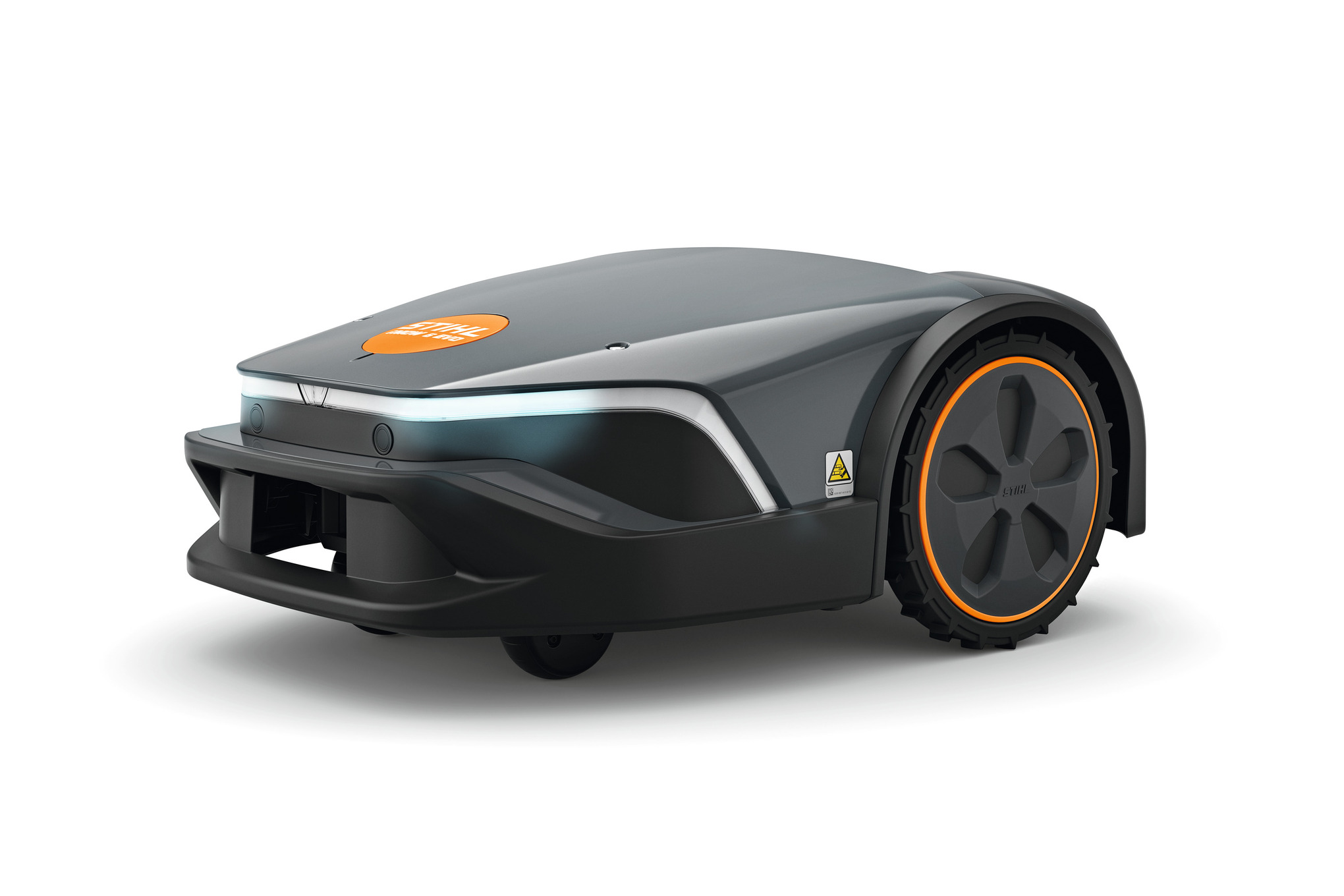 iMOW 6takes IA00 007 4202 · from $3.61View blades
- iMOW 6 EVOtakes IA00 007 4202 · from $3.61View blades
 iMOW 7takes IA00 007 4202 · from $3.61View blades
- iMOW 7 EVOtakes IA00 007 4202 · from $3.61View blades
How to change the blades on your STIHL
Steps for the iMOW BASIC replacement blades IA00 007 4202 (18 blades) (IA00 007 4202), the blade 6 STIHL models take.
- 1Put on sturdy work gloves. Stop the iMOW and turn on the device lock: press STOP, hold STOP until the light strip glows fully red, then press STOP again; the light strip flashes twice.
- 2Hold the mower by the front and rear grip surfaces and turn it onto its back.
- 3Press and hold the lever, turn the nut anticlockwise until it comes off, then lift off the blade disk.
- 4Push the blade carrier in the direction of the arrow to unlock it, take it off and remove all three old blades. Clean the blade disk, blade carrier and nut.
- 5Fit one new blade on each L-pin, put the blade carrier back on and push it until it locks, with all three arms under the L-pins.
- 6Put the blade disk back on, hold the lever and turn the nut clockwise, then let go and tighten the nut until the levers click. Replace all blades together; STIHL says they cannot be sharpened.
After changing the blades
No reset needed. The MY iMOW app has a 'Check blades' reminder you can switch on.
Common questions
- What happens if I don't change the blade?
- Blunt blades tear the grass tips, which then brown, and the mower works harder on every run.
- Is there anything to reset after changing the blades on a STIHL robot mower?
- No reset needed. The MY iMOW app has a 'Check blades' reminder you can switch on.
All 6 STIHL robot mowers we list, A to Z
Brand names describe compatibility only; FitMatch is independent of STIHL. Fitment sources are recorded on every model page.