Samsung replacement parts
Which filter, brushes and mop cloths each of the 5 Samsung robot vacuums sold in Australia takes, with dated prices from 4 Australian sellers, genuine and compatible side by side.
Most take the VCA-RDB95 (4 of 5 models), from $5.40. Check yours below.
Clean Station Dust Bag 5-Pack (Jet Bot+, Jet Bot AI+, Jet Bot Combo)takes VCA-RDB95
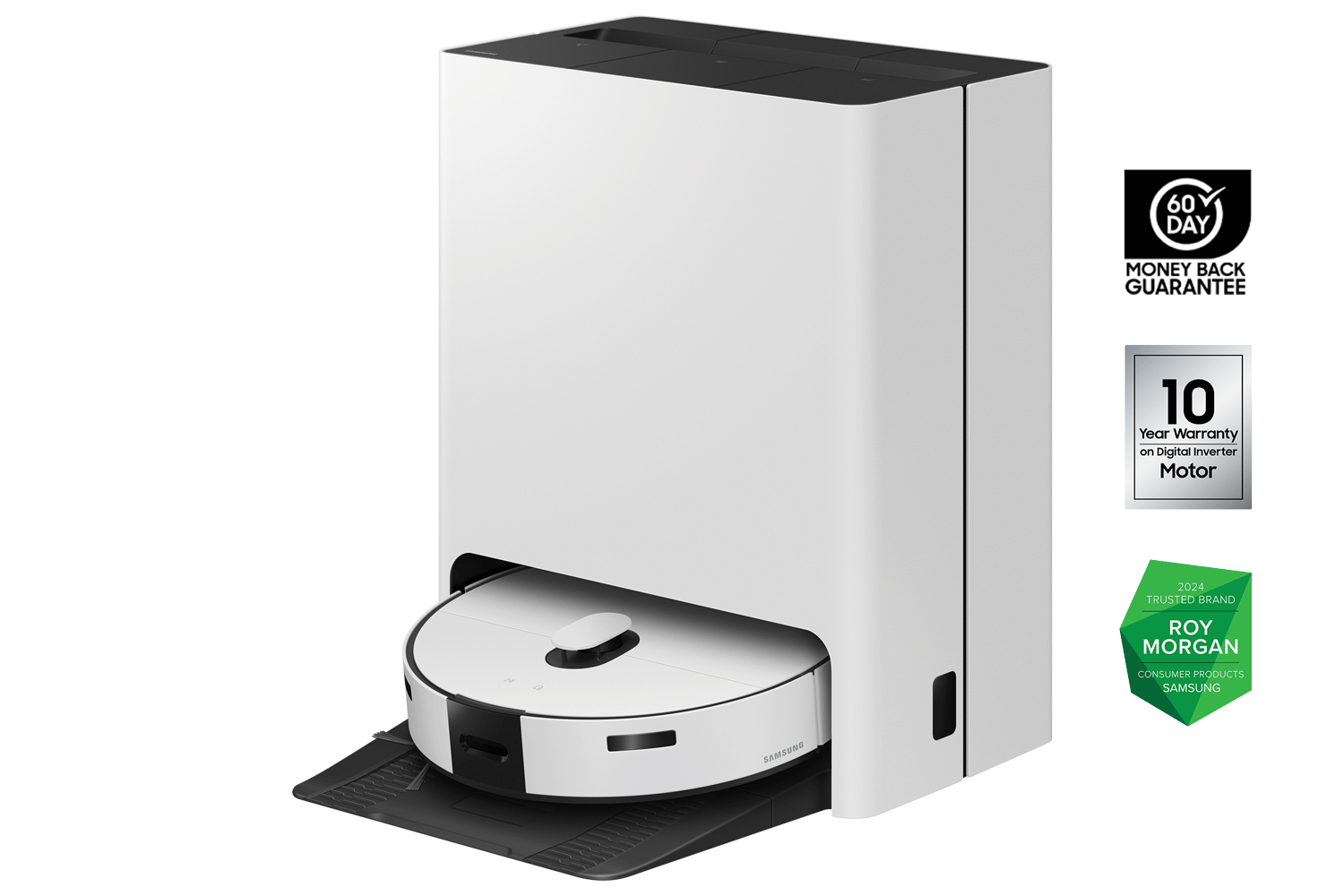
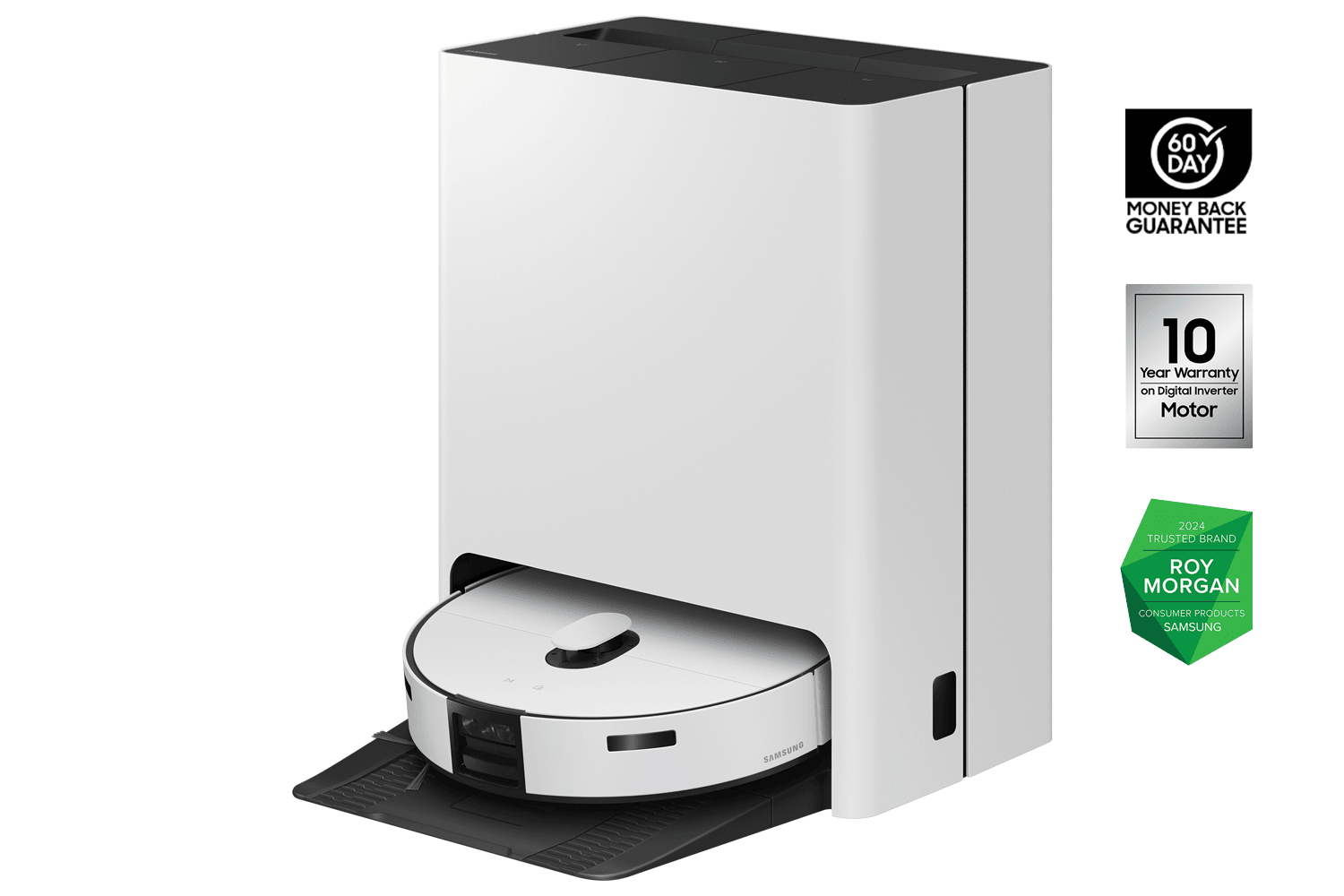
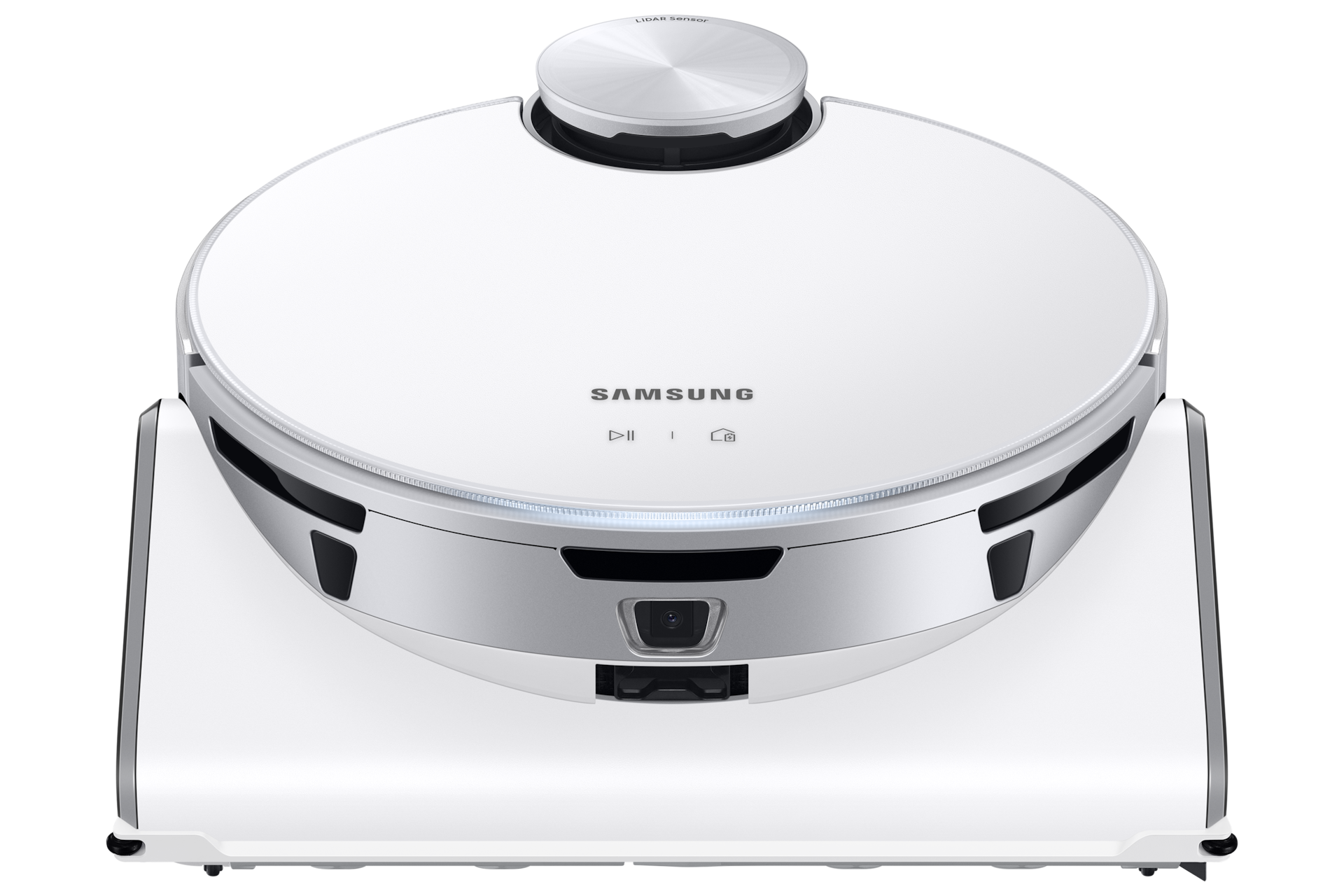
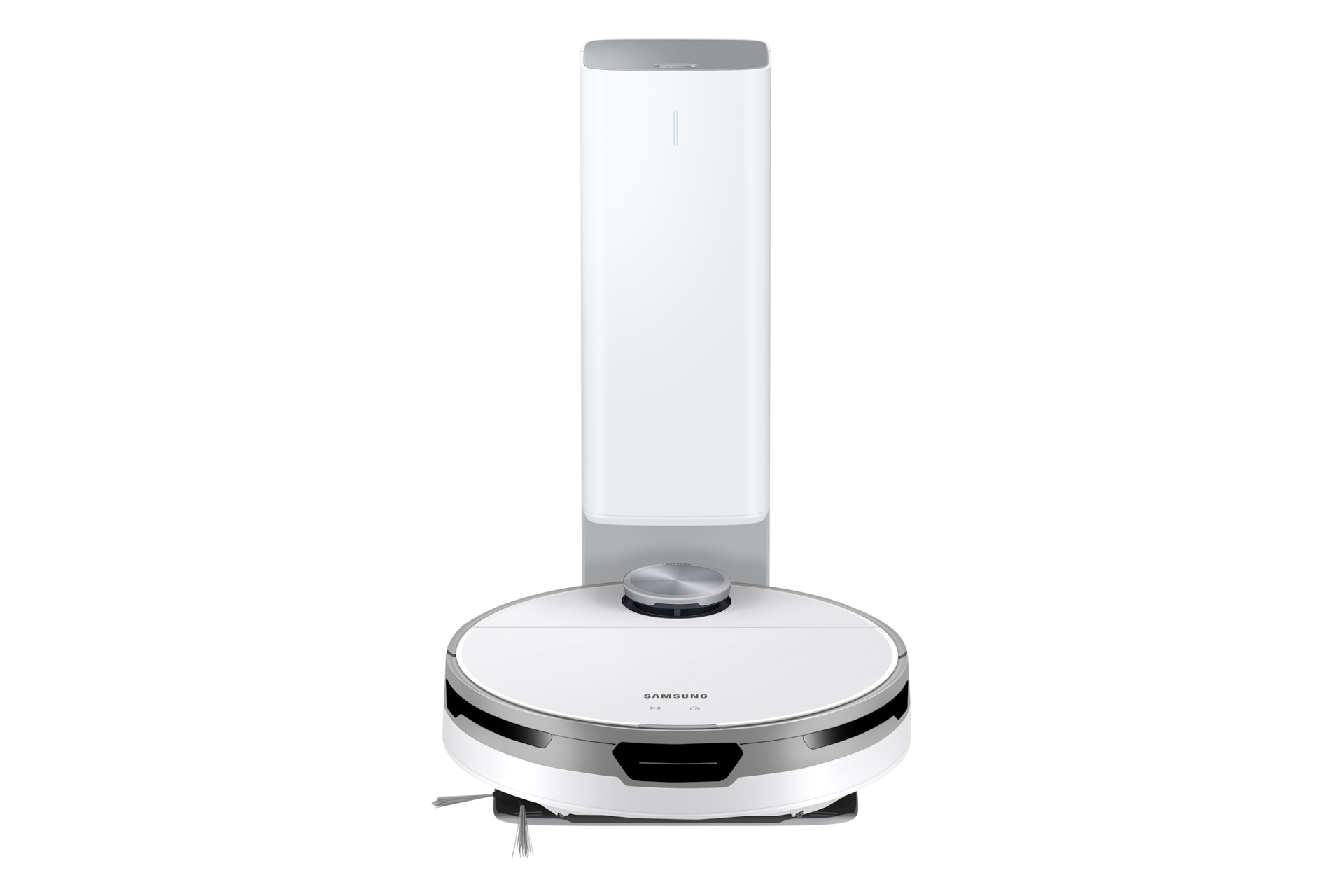
Dust Filter (2-in-1 POWERbot VR05R503PWK / Powerbot-E)takes DJ81-00174A
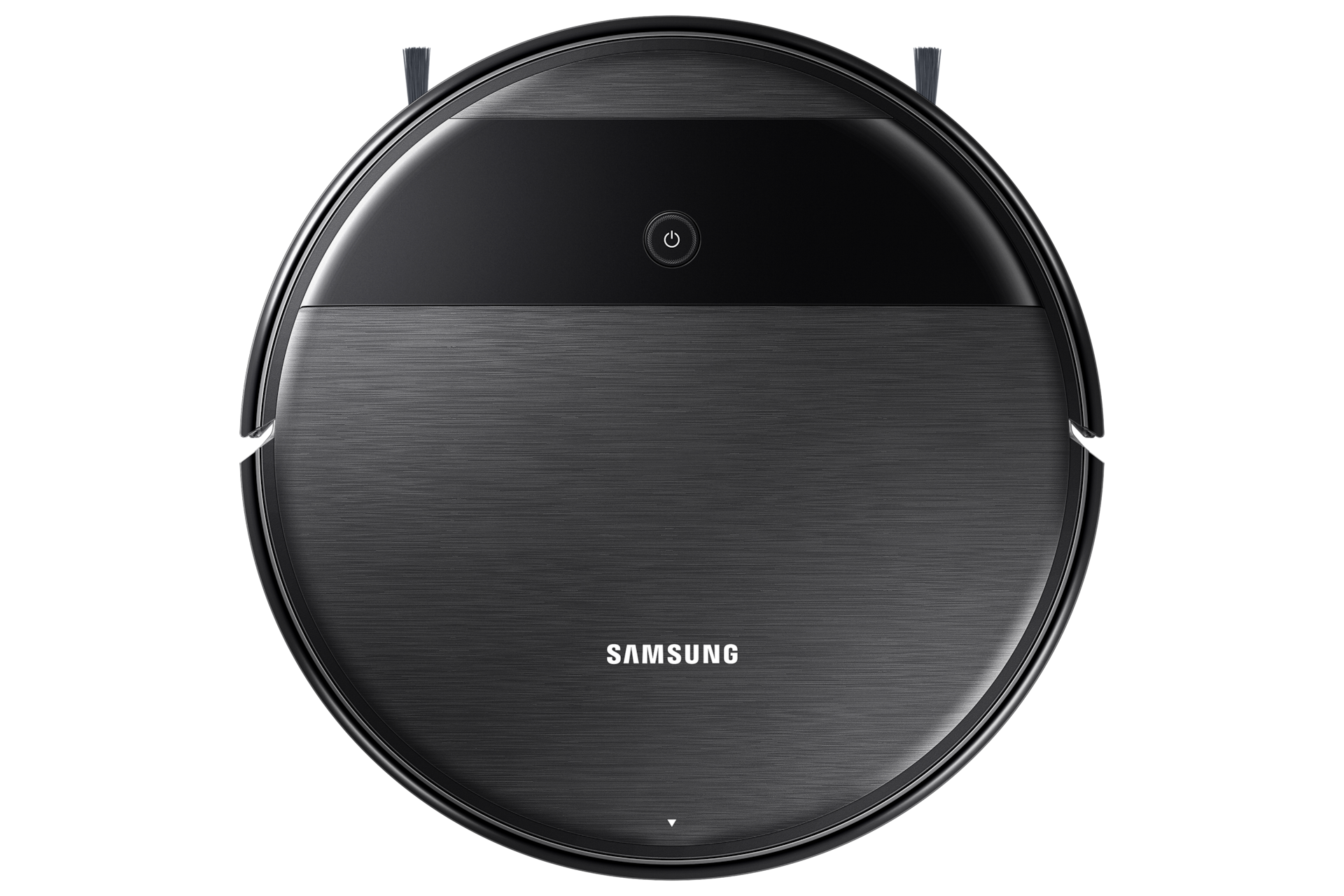
How to change your Samsung filter
Steps for the Dust Filter (2-in-1 POWERbot VR05R503PWK / Powerbot-E) (DJ81-00174A), the filter 1 Samsung model takes.
No clear video for this filter yet. The steps cover it.
- 1Press the button to release the dust bin and take it out.
- 2Empty the bin and take out the filter.
- 3Fit the new filter (make sure it is dry) and insert it into the dust bin.
- 4Slide the dust bin back into the robot.
Different steps for Clean Station Dust Bag 5-Pack (Jet Bot+, Jet Bot AI+, Jet Bot Combo) · Different steps for Jet Bot Combo Accessory Kit (brush, pre-motor filter, 2 side brushes) · Different steps for Jet Bot Combo Mop Pads 4-Pack · Different steps for Drum Brush (2-in-1 POWERbot VR05R503PWK / Powerbot-E) · Different steps for Mopping Pad (2-in-1 POWERbot VR05R503PWK / Powerbot-E) · Different steps for Jet Bot / Jet Bot+ Accessory Kit (brush, 2 side brushes, pre-motor filter)
Common questions
- What happens if I don't change the filter?
- A clogged filter loses suction, worn brushes miss edges, and a stale mop cloth smears rather than cleans.
- Does Samsung make a compatible filter?
- Samsung makes the genuine filter. Compatible filters for Samsung models are made by other companies to fit the same models, and Australian sellers we track list both; each part page shows the genuine and compatible prices side by side.
All 5 Samsung robot vacuums we list, A to Z
Brand names describe compatibility only; FitMatch is independent of Samsung. Fitment sources are recorded on every model page.