The Samsung VR05R503PWK takes the Samsung Dust Filter (2-in-1 POWERbot VR05R503PWK / Powerbot-E) (part DJ81-00174A) as its filter; Australian sellers list it from A$49.95 as of 6 November 2026. This fit is not yet confirmed against the manufacturer's list.
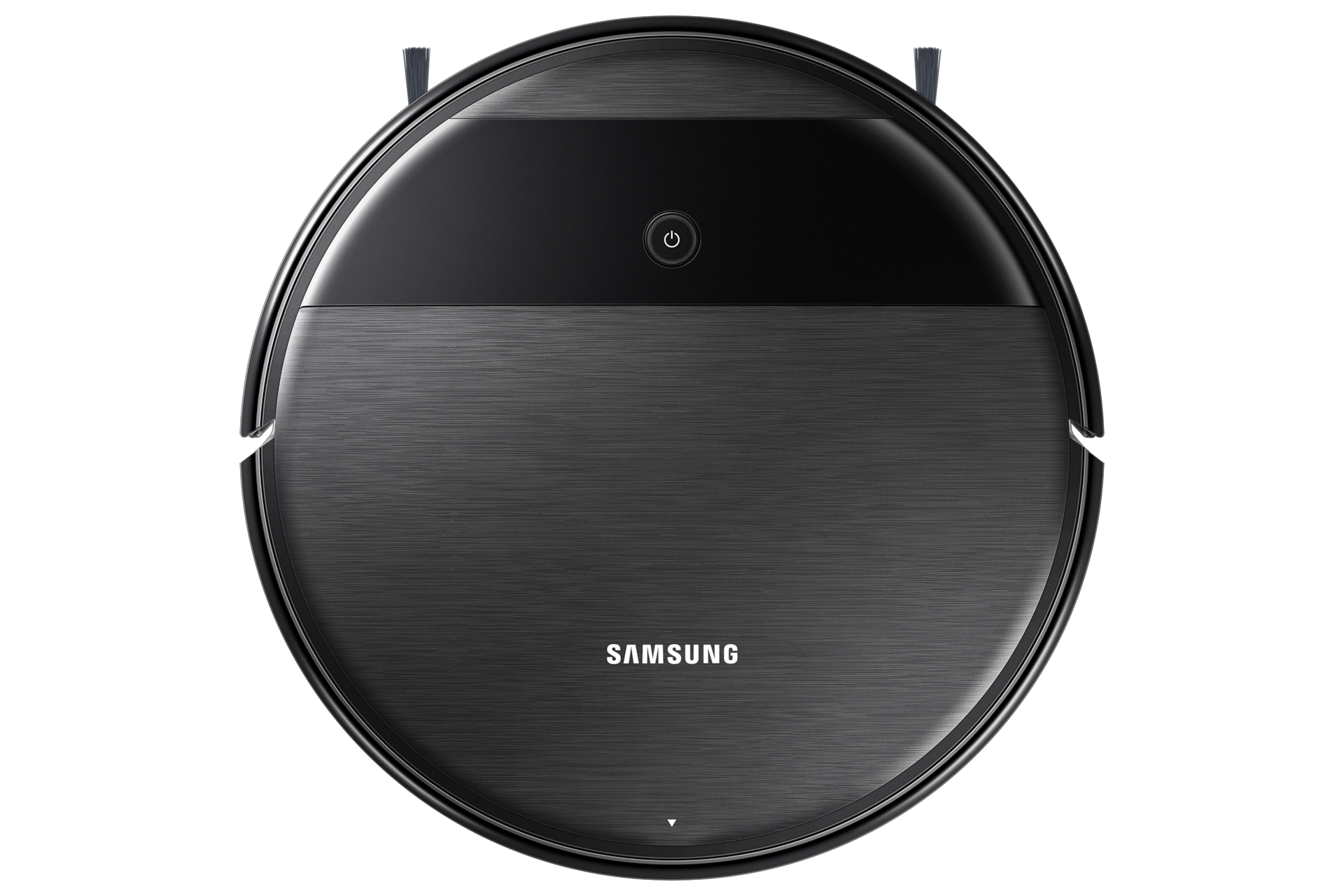
Your robot vacuum
Samsung VR05R503PWK
Robot vacuum
Not confirmed by Samsung — check your old filterNot yet confirmed by Samsung's own list — check the code on your old filter
Not yours? Change
Takes the DJ81-00174A filter
Dust Filter (2-in-1 POWERbot VR05R503PWK / Powerbot-E) · check the code printed on your old filter before ordering.
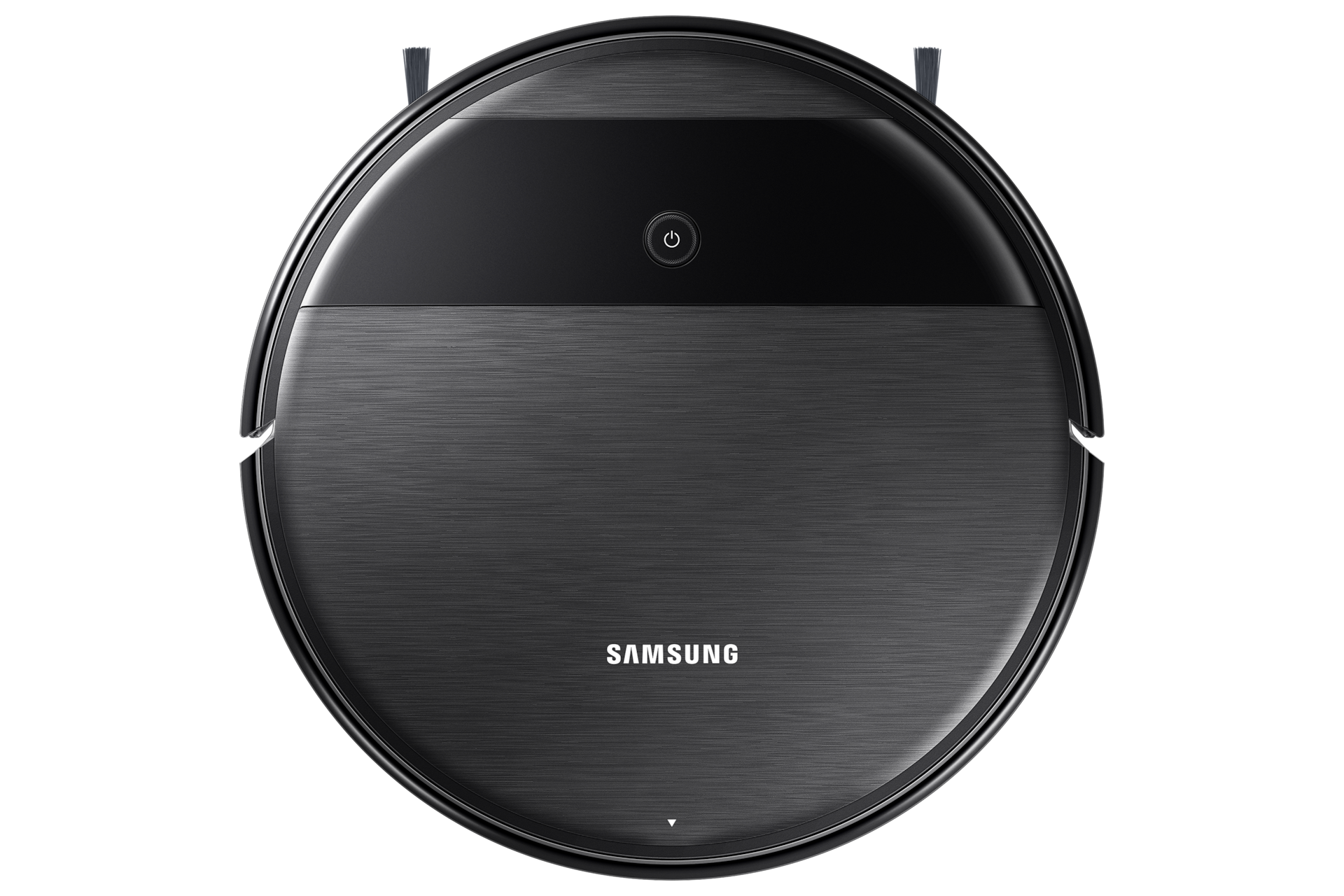
Your robot vacuum
Robot vacuum
Not confirmed by Samsung — check your old filterNot yet confirmed by Samsung's own list — check the code on your old filter

Takes the DJ81-00174A
Filter · check the code on your old filter.
GenuineGenuine Samsung
$49.95
Robot Specialist · 6 NovLowest genuine · Robot Specialist · checked 6 Nov
CompatibleCompatible option
See seller
No compatible seller tracked yetNo compatible seller tracked yet
Genuine: made by Samsung. Compatible: another brand.Genuine is made by Samsung. Compatible is made by another brand. Check the seller's page for the size and models it fits.
Lowest price · $49.95
Robot Specialist. Every seller we track is listed below. Some links earn us a commission. Some seller links earn us a commission, at no extra cost to you.
Other parts this robot vacuum takes
- Samsung Drum Brush (2-in-1 POWERbot VR05R503PWK / Powerbot-E)Open Robot Specialist$89.00
The main brush. Separate from the filter.
- Samsung Mopping Pad (2-in-1 POWERbot VR05R503PWK / Powerbot-E)Open Robot Specialist$13.48 each · 2-pack $26.95
The mop cloth. Separate from the filter.
Compare 1 seller
AUD, before delivery. Each price shows when it was checked.
Opens Robot Specialist in a new tab. Their page is the source of truth for price, delivery and returns.
How long it lasts
Replace it wash it when it is blocked; replace it when damaged.
How to change the filter in your Samsung VR05R503PWK
Watch the guide or follow the steps.
No clear video for this part yet. The steps cover it.
- 1Press the button to release the dust bin and take it out.
- 2Empty the bin and take out the filter.
- 3Fit the new filter (make sure it is dry) and insert it into the dust bin.
- 4Slide the dust bin back into the robot.
Every number this part goes by
- Retail name:
- DJ81-00174A
Sellers list any of these; they are the same part.
About your Samsung VR05R503PWK
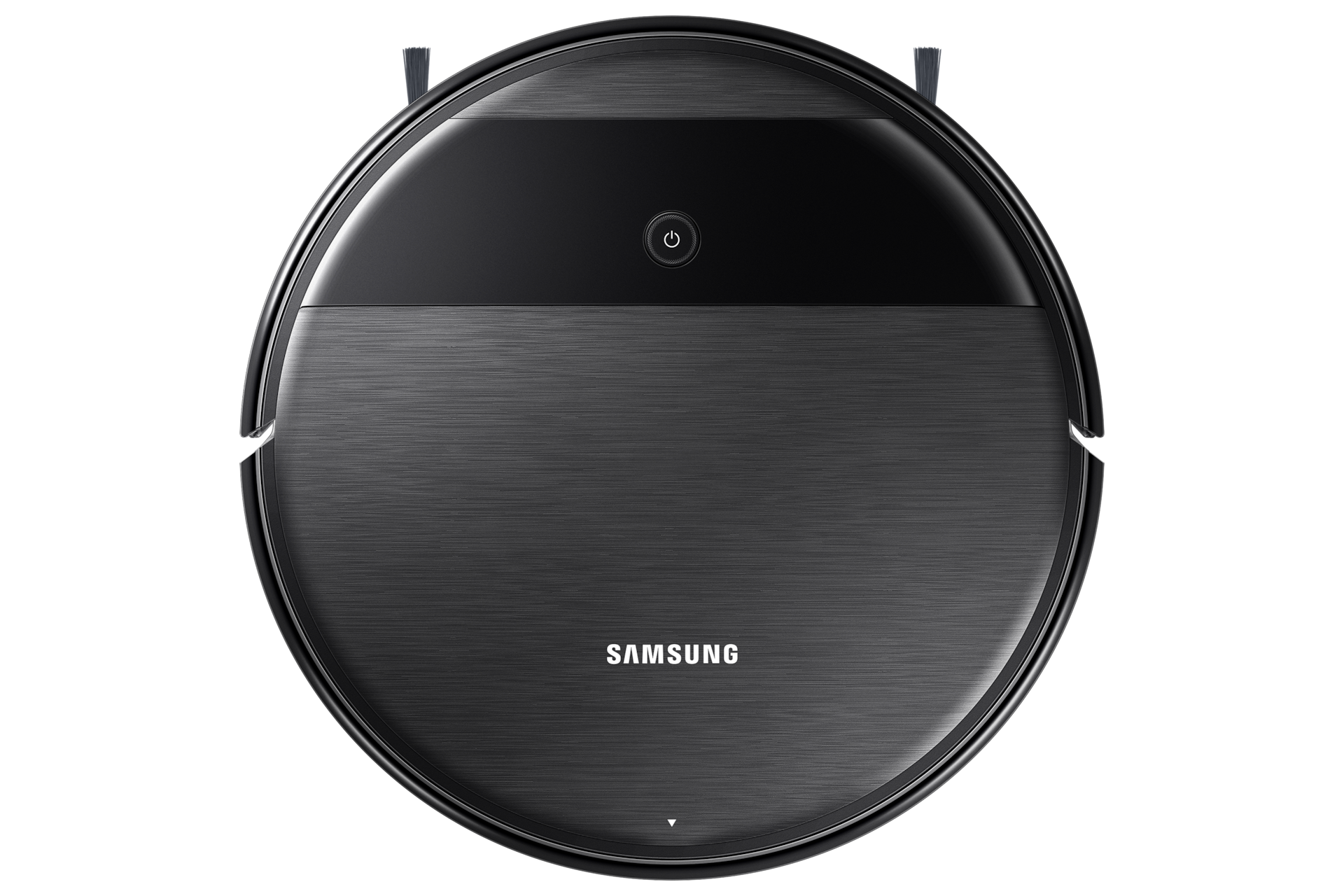
Samsung robot vacuum — 2-in-1 POWERbot. Its filter is the Dust Filter (2-in-1 POWERbot VR05R503PWK / Powerbot-E), part DJ81-00174A.
Also in this robot vacuum: Samsung Drum Brush (2-in-1 POWERbot VR05R503PWK / Powerbot-E), Samsung Mopping Pad (2-in-1 POWERbot VR05R503PWK / Powerbot-E).
Where the model number is: Turn the robot over: the model name and serial are on the label on the underside. The model name is also on the top lid of most robots.
Fits this Samsung model
Samsung1 model
Common questions
- Which filter fits the Samsung VR05R503PWK?
- The Samsung VR05R503PWK takes the Samsung Dust Filter (2-in-1 POWERbot VR05R503PWK / Powerbot-E) (part DJ81-00174A).
- Where can I buy the DJ81-00174A in Australia?
- We track 1 Australian seller for the DJ81-00174A; the lowest listed price when we last checked was A$49.95 at Robot Specialist. Prices are re-checked daily and dated on this page.
- How do I fit the DJ81-00174A in a Samsung VR05R503PWK?
- No tools, a few minutes: 4 steps, listed on this page with the replacement video where the maker has one.
- What happens if I don't change it?
- A clogged filter loses suction, worn brushes miss edges, and a stale mop cloth smears rather than cleans.
Something looks wrong with the VR05R503PWK match? . Reports go to a person, not a bot.