Ozito chainsaw chains and parts
Which chain or part each of the 2 Ozito chainsaws sold in Australia takes.
Showing 2 of 2 Ozito models · grouped by part
PXC 160mm Pruning Chainsaw Chain PCC-160 (28 drive links)takes PCC-160
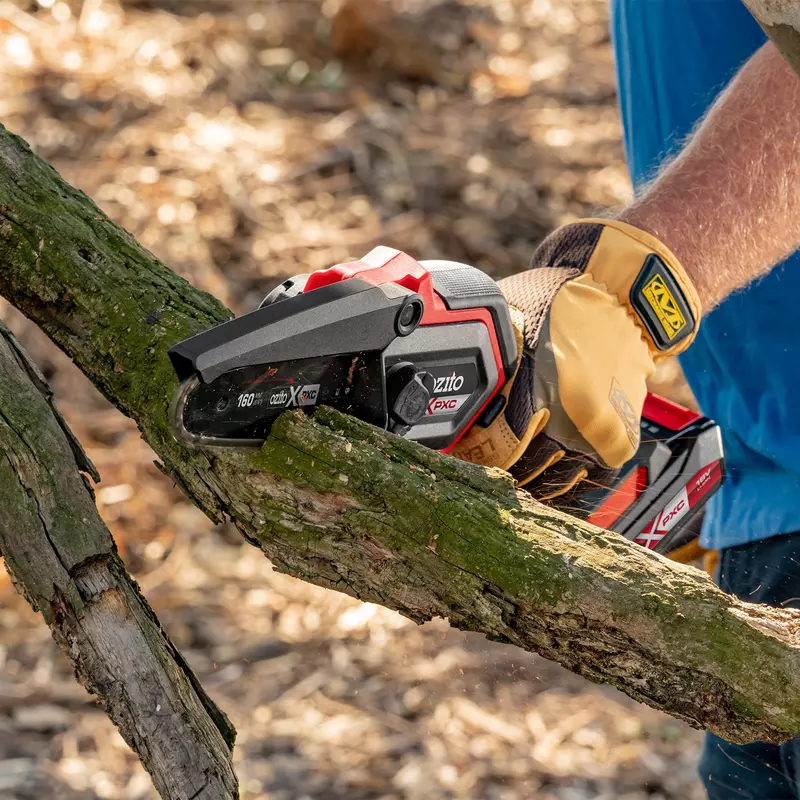

How to change the chain in your Ozito chainsaw
Steps for the PXC 160mm Pruning Chainsaw Chain PCC-160 (28 drive links) (PCC-160), the chain 2 Ozito models take.
No clear video for this chain yet. The steps cover it.
- 1Switch the pruning chainsaw off and remove the battery. Wear gloves: the cutters are sharp.
- 2Lift the tab on the side cover lock, unscrew it anticlockwise and remove the side cover.
- 3Fit the new chain in the groove on the guide bar with the cutters facing the direction of rotation.
- 4Put the bar and chain in place with the chain around the sprocket and the pin through the hole in the bar.
- 5Refit the side cover and lock but do not fully tighten it yet; adjust the chain tension, then tighten the lock.
After changing the chain
No reset needed. Check the chain tension every 10 minutes of use, Ozito says.
Common questions
- What happens if I don't change the chain?
- A blunt or stretched chain cuts slowly, throws dust instead of chips, and makes the saw harder to control.
- Is there anything to reset after changing the chain on an Ozito chainsaw?
- No reset needed. Check the chain tension every 10 minutes of use, Ozito says.
All 2 Ozito chainsaws we list, A to Z
Brand names describe compatibility only; FitMatch is independent of Ozito. Fitment sources are recorded on every model page.